Sony SupportDSC-S Series

DSC-S30

  • Specifications
AllFirmware / SoftwareManualsQuestions & Answers
Important Information

Recommended Articles

Sony Interactive Connectivity Guide
Find what you are looking for...manuals, firmware, drivers, specifications and more
Camera Troubleshooting Guide
The memory card is not recognized by the camera and error message appears.
How to transfer pictures or movies from the camera to a computer using USB connection
How to change the language in the settings of the camera.
An error code beginning with E:**, C:**, or System error appears on my compact camera.
How to set up the Camera / Handycam / Action Cam to be remotely controlled with a smartphone

Important Information

  • Repair Defective Product via Courier Service
  • Find Sony SVC Pick Up Point / Sony Authorized SVC Pick Up Point
  • Please be informed that Sony Authorized Service Center Phitsanulok to be closed from 1st April 2023
  • Termination of “PlayMemories Camera Apps” download service
  • Termination of Map View in PlayMemories Home (Windows version) and the map display function in GPS Image Tracker
  • Notice to Customers of Sony Video Cameras and Digital Still Cameras Regarding Use of Rechargeable Battery Packs
  • Windows 10 information
  • After-Sales Service and Contact Information for Konica Minolta Cameras and Related Products

Firmware / Software

Looking for Firmware Update of your camera?

Release Date
  • PlayMemories HomeRelease Date: 14/02/2019
    14/02/2019

Manuals

Imaging Edge Desktop: How to use

Learn how to view, adjust, and edit images on Windows or Mac
  • English
  • Korean
File Size
Release Date
  • [PDF]Operating Instructions(1.57 MB)Release Date: 28/02/2001
    1.57 MB
    28/02/2001

Questions & Answers

  • All
  • Raw
  • Compatibility
  • Audio
  • Webcam/Streaming
  • Power
  • Flash
  • Icons/Messages
  • Focus
  • Shooting night scenes or decorative lighting with Cyber-shot
  • Shooting landscapes and flowers with Cyber-shot
  • How to photograph fireworks with Cyber-shot
  • The lens is stuck and will not open, retract, or extend.
  • The camera turns off by itself after I transfer images to the computer with the PlayMemories Home software.
  • Register your product

    Registration to My Sony to get benefits

  • Repair Tracking

    Check the status of your repair

  • Repair & Warranty Services

    Book a repair, check service centre locations and warranty conditions.

  • Contact Us

    Contact our Support team

Videos

Open video player
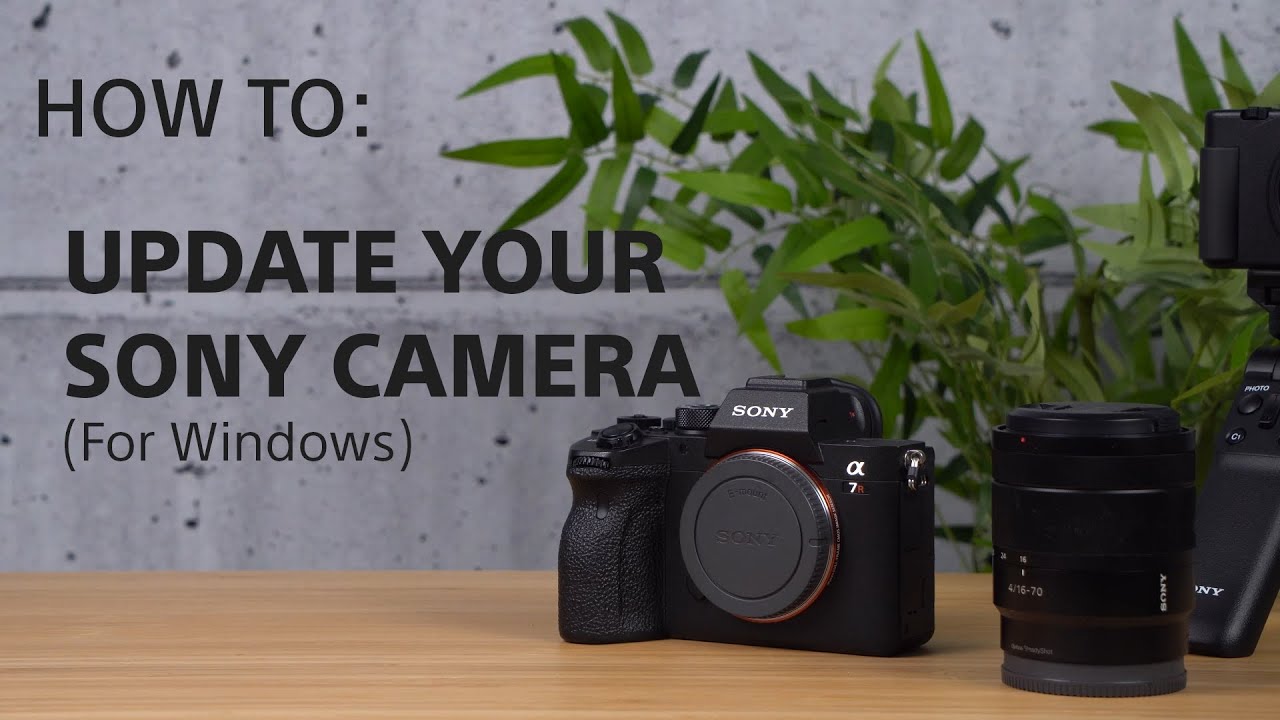
[VIDEO] How to update the firmware of your Sony Alpha Cameras for Windows
> Watch this video in the article

Please accept Youtube cookies to watch this video

Access your cookie preferences below and make sure to switch on the Youtube cookie under the 'Functional' section.
Find a Store

  • See Our Locations

Support

  • Track Repair Status
  • TV Home Service
  • Service Charges
  • Repair and Warranty Services

Experience Story

  • Store Locator
  • Eco
  • My Sony Rewards FAQ
  • My Sony Rewards Terms and Conditions

News & Info

  • Press Center
Thailand
  • TH ไทย
  • EN English
  • Professional Products & Solutions
  • Company Info
  • Careers
  • Contact Us

Like us on Facebook

Visit us on Facebook

Follow us on Twitter

Tweet

Visit us on Twitter

Subscribe on YouTube

Visit us on YouTube

Follow us on Instagram

View on Instagram

Become LINE Friends

Add LINE


  • TERMS & CONDITIONS
  • PRIVACY POLICY

Sony Group Portal Site Sony Group Portal Site

COPYRIGHT © 2026 SONY THAI CO., LTD. ALL RIGHTS RESERVED.

  • Visa
  • MasterCard
  • JCB
  • True Money
  • ShopeePay